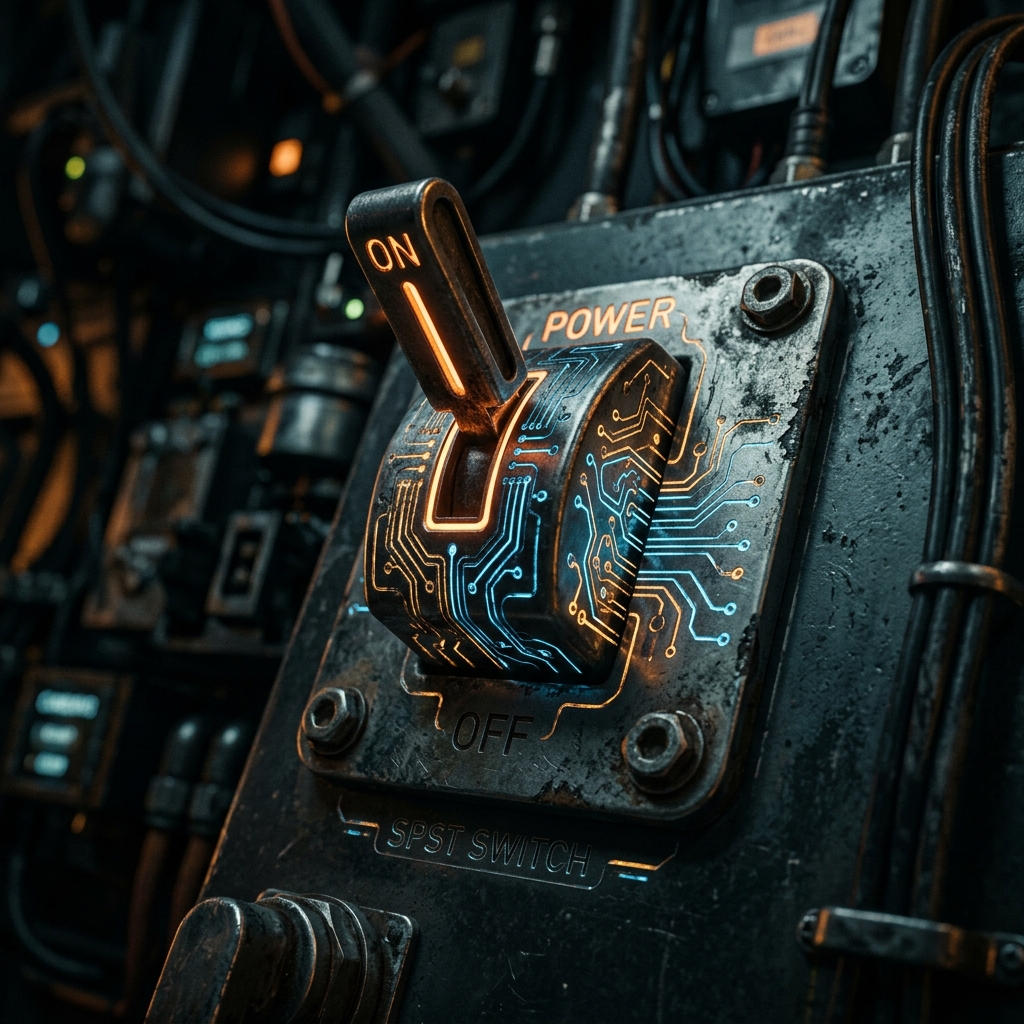
At the heart of every interface humans use to control electricity lies the mechanical switch. The simplest, most ubiquitous incarnation of this component is the SPST, or Single Pole Single Throw switch.
Whether you are designing a high-voltage power mains breaker or simply mapping out a push-button on an Arduino breadboard, the SPST symbol is your logical starting point.
1. What SPST Actually Means
Engineers classify switches using two variables: Poles and Throws.
- Pole (P): The number of independent electrical circuits the switch can control simultaneously.
- Throw (T): The number of closed states (ON positions) each pole has.
Therefore, an SPST is a Single Pole (controls one circuit) and Single Throw (has only one closed, conductive position).
flowchart LR
    A[Human Input] --> B((SPST Mechanism))
    B -- Open / Default --> C[Infinite Resistance / OFF]
    B -- Closed / Actuated --> D[Zero Resistance / ON]

    style B fill:#0f172a,stroke:#f59e0b
2. Reading the SPST Schematic Symbol
The standard IEEE symbol for an SPST switch is highly intuitive—it literally looks like what it does.
| Visual Element | Meaning in the Real World |
|---|---|
| Two Open Circles | The stationary electrical contact pads where wires terminate. |
| Diagonal Broken Line | The mechanical conductive arm, physically disjointed from the second pad to indicate an ‘Open’ default state. |
Designator (S or SW) | Standard reference tags. e.g., SW1. |
Normal State Assumption: Unless otherwise specified, mechanical switches are drawn in their unactuated, resting state. For a standard SPST light switch, this means the schematic depicts it as OFF.
3. Variations of the SPST: Push-Buttons
A toggle switch stays where you put it (latching). A push-button only actuates while your finger is on it (momentary). The SPST designation applies to both, but the symbols change slightly to distinguish human interaction modes.
graph TD
    SPST[SPST Switch Family]
    SPST --> SPST_L(Latching / Toggle)
    SPST --> SPST_M(Momentary / Push-Button)

    SPST_M --> NO[Normally Open - N.O.]
SPST_M --> NC[Normally Closed - N.C.]| Switch Type | Schematic Alteration | Real-World Example |
|---|---|---|
| Push-Button (N.O.) | Instead of an angled arm, a flat bridge hovers above the two contact pads. Pushing down bridges the gap. | Keyboard keys, computer power buttons, doorbell buttons. |
| Push-Button (N.C.) | The flat bridge rests underneath or touching the pads, keeping the circuit ON by default. Pushing down breaks connections. | Emergency Stop (E-Stop) buttons on heavy machinery. |
4. Hardware Implementation Warnings
When incorporating an SPST switch into a digital logic circuit (like a Raspberry Pi GPIO pin), a naive schematic design will lead to disastrously unpredictable software behavior.
The “Floating Pin” Problem
If you connect one side of an SPST switch to 5V and the other side straight to a microcontroller pin, what happens when the switch is open? The pin is not reading 0V—it is disconnected and “floating”, acting like an antenna picking up surrounding electromagnetism.
The Fix: Pull-Down Resistors
Always include a resistor (typically 10kΩ) connected between the digital pin and Ground.
- Switch OFF: The pin reads 0V securely through the resistor.
- Switch ON: The 5V supply overpowers the resistor, triggering a secure HIGH state.
Incorporate SPST variations into your designs securely via the Circuit Diagram Editor. Expand the left ‘Switches’ library to find N.O. and N.C. implementations!